
What to change
Agree a visible and accessible way to distinguish required information from optional information before the visitor starts completing the form.
A worked example
Illustrative example
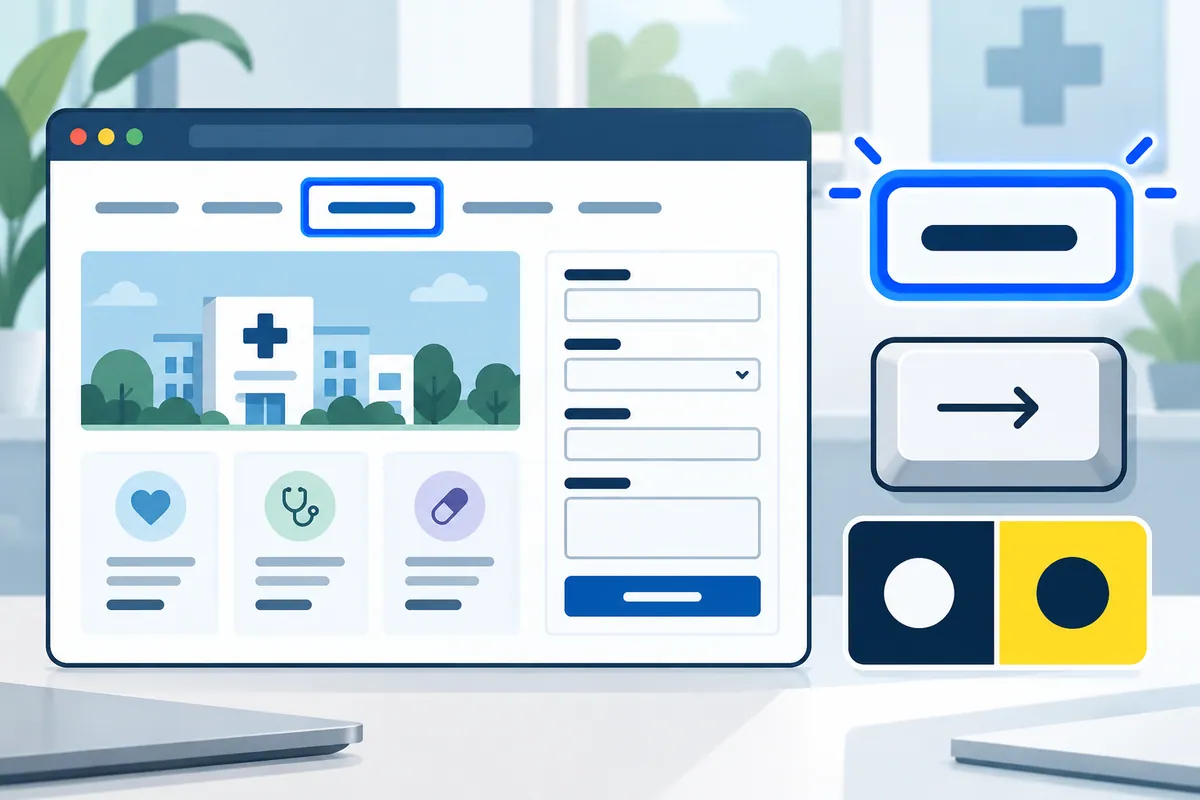
An optional organisation field can remain blank on a personal enquiry. The email field identifies its requirement before the visitor attempts to continue.
How to check the result
Accept when the visible form, assistive technology output and submission behaviour agree on which questions require an answer.
A mistake to avoid
A global sentence saying all fields are required becomes misleading as soon as one genuinely optional question is added.
Your action checklist
Use these checks to prepare a discussion with your team or supplier. Tick a check when you have recorded the decision or evidence, rather than when a feature has simply been promised.
Entries stay in this page and are not submitted to Kay & Co. Download your notes before leaving; the page does not save them.

Further reading
These primary sources provide additional context for the project decisions above.
Related decisions
Turn the brief into a working service
Kay & Co. can help you scope the work, design the experience and deliver the right solution for your organisation.
Explore websites & patient experience services or discuss your project.
Try the free Healthcare Digital Planner to find your starting priority.