
Software & applications

Bespoke healthcare software for a clearly defined task.

When a spreadsheet or existing tool no longer supports your team, bespoke software means an application built around your particular tasks. We help define what it needs to do, compare that with available tools and plan the website-based or mobile application that fits the agreed need.

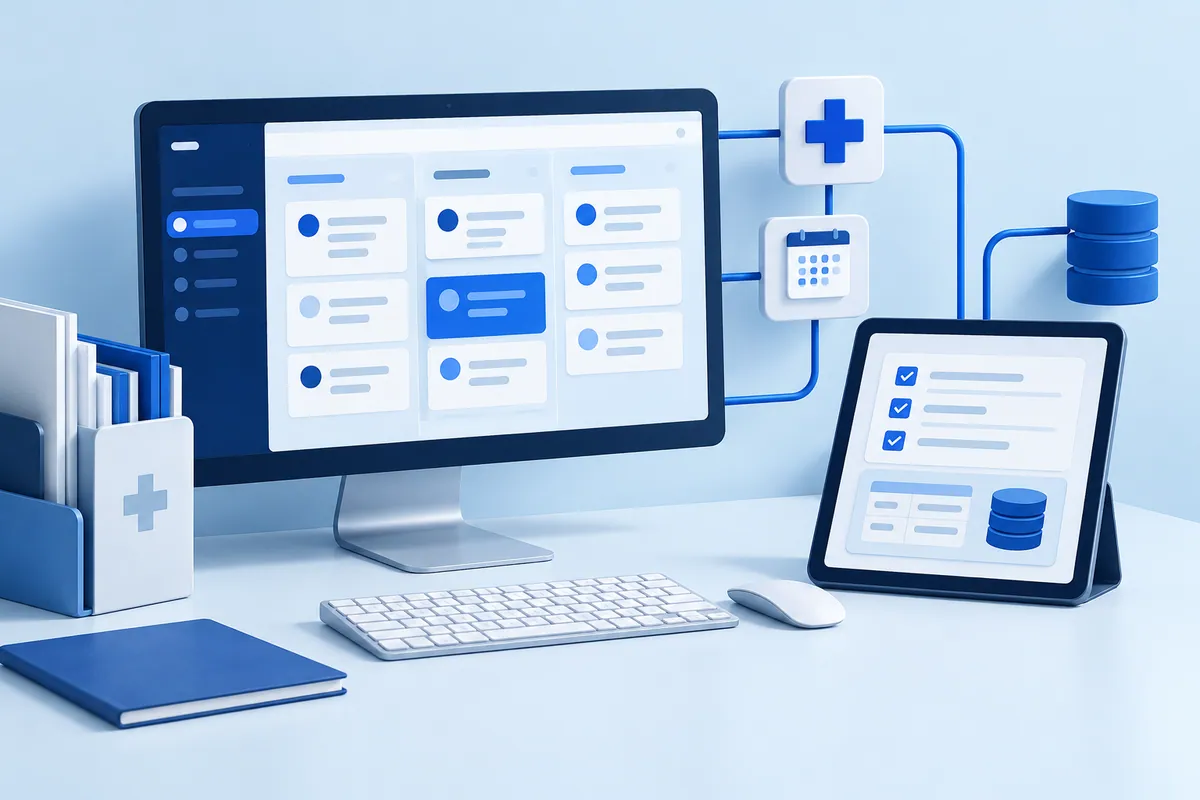
Healthcare software workflow connecting task cards, a checklist and a database.
Map the work and the information it depends on.
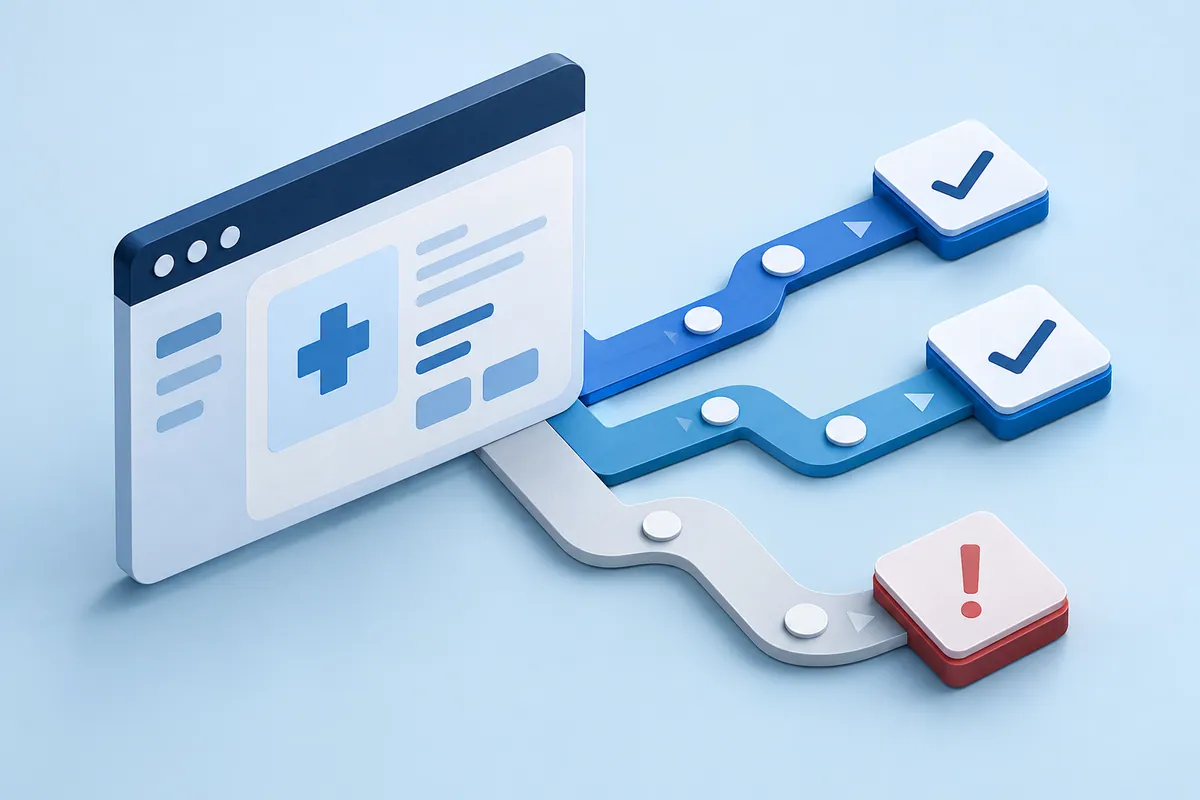
Healthcare software testing with normal paths and a separate exception route.
Test the exceptions as well as the normal workflow.
Healthcare software handover with a code folder, configuration controls, key and maintenance notebook.
Agree ownership, configuration and ongoing maintenance.

What we can deliver

Bespoke Healthcare Software & App Development

01

Discovery & product definition

Describe who will use the software, the task they need to complete and how you will know it works. Compare existing tools with a custom build, then agree what the first usable version must include and what can wait.

02

Prototypes & interface design

Create sample screens or a clickable mock-up and ask intended users to try the important tasks. Agree what each type of user may see or change and what happens when information is missing or something goes wrong.

03

Application development

Build and demonstrate the agreed functions in stages. Check them against the tasks and pass conditions agreed at the start, including connections to other systems and how errors are handled.

04

Release & ongoing development

Plan how the application goes live, how problems are noticed and how information can be restored from backups. Agree training, handover files, who maintains it and how future changes will be requested.

An example brief

A spreadsheet has become your operating system.

Bring enquiry allocation, task tracking and management reporting into one application, with clear ownership and access appropriate to each role.

Start with one difficult task and the people doing it. A smaller change to an existing tool may meet the need without building a new application.

Fictional prototype

See the task and the permission boundary

This static screen example concerns public website corrections. It is not a working application, a delivered project or a system for patient records.

Editor view

Task 014: correct the opening time

Page: North branch information.

Draft change: Saturday opening time changed from 09:00 to 10:00, using the fictional manager’s approved note.

Status: saved draft, awaiting manager approval.

Available action: send for review. The editor cannot publish.

Manager view

Review task 014

Compare: current page says 09:00; proposed page says 10:00.

Decision: approve the change or return it with a reason.

If saving fails: keep the task awaiting review and show that approval was not recorded. The live page remains unchanged.

A proposed acceptance record

  • Editor tries to publish: expected result is refusal without changing the live page; test result not yet recorded.
  • Manager returns the draft: expected result is an editable task with the reason visible; test result not yet recorded.
  • Approval cannot be saved: expected result is a clear failure and no publication; test result not yet recorded.

A first release would need the agreed task states, role permissions, change history and checks demonstrated in a working prototype. Publishing to a website, notifications and any external connection each need an explicit scope. These sample screens do not establish that any of those functions has been built or tested.

A clear agreement

Know what is included.

Before building, agree what information the software handles, where it runs, who can see or change it and which other suppliers it relies on. Features used by patients or for clinical work need a separate assessment of risks, appropriate specialist input and testing before release.

Discuss your requirements

Let’s make it happen

Let’s talk about your next project.

Describe one task that is difficult today, who does it and which tools they use. Tell us what an improved version should let them do. You do not need a technical specification to start.

Start a conversation

Useful to know

Your questions, answered.

We first agree what people need to do and which devices they use. A web app runs through a browser; a mobile app is installed on a phone or tablet. The proposal explains the recommended approach, its costs and how it will be maintained.

The agreement sets out who owns the work, whether you receive the source code used to build it, which outside products need licences and who holds the hosting accounts. Handover and ongoing access are agreed before development starts.

Yes, subject to an initial review of the code, access, licences and system dependencies. We can then scope improvements, integrations or a phased replacement.

Plan your project

Useful software & apps resources

Browse all software & apps resources