Integrations & data

Make your systems work together.

If your team copies the same enquiry into several tools, a connection between those systems may remove some of that repeated work. We check whether your website, booking system, enquiry database and reporting tools can share the right information, then agree the connection and how staff will check it.

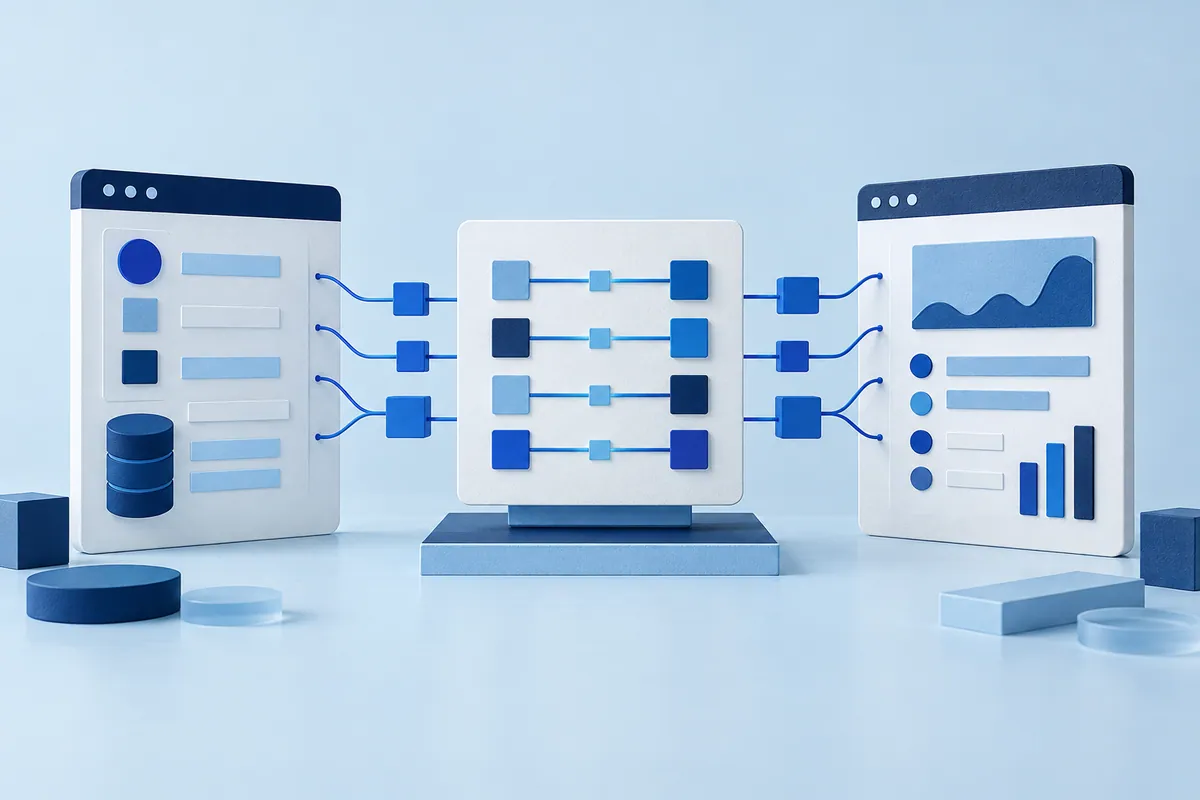
Healthcare data integration connecting two applications through a field-mapping board.
Agree what each field means and which system owns it.
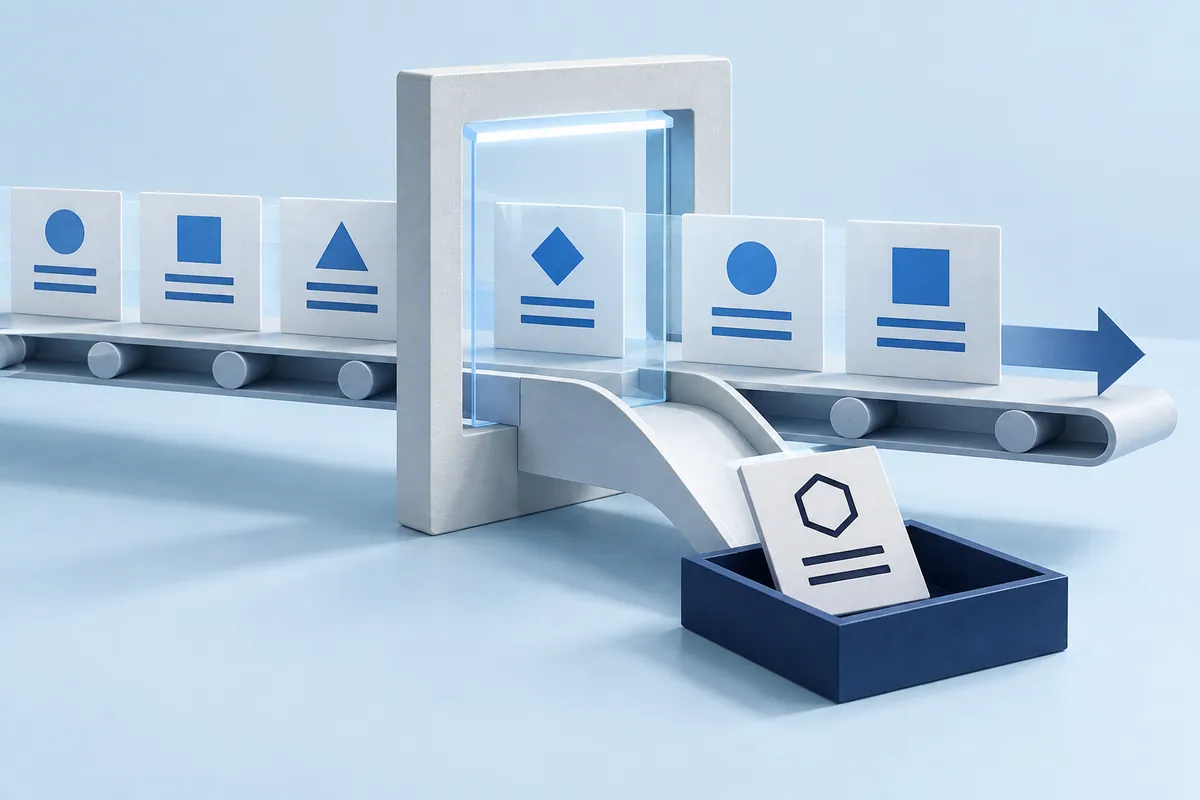
Healthcare data validation separating matched records from an exception tray.
Make rejected or uncertain records visible for review.
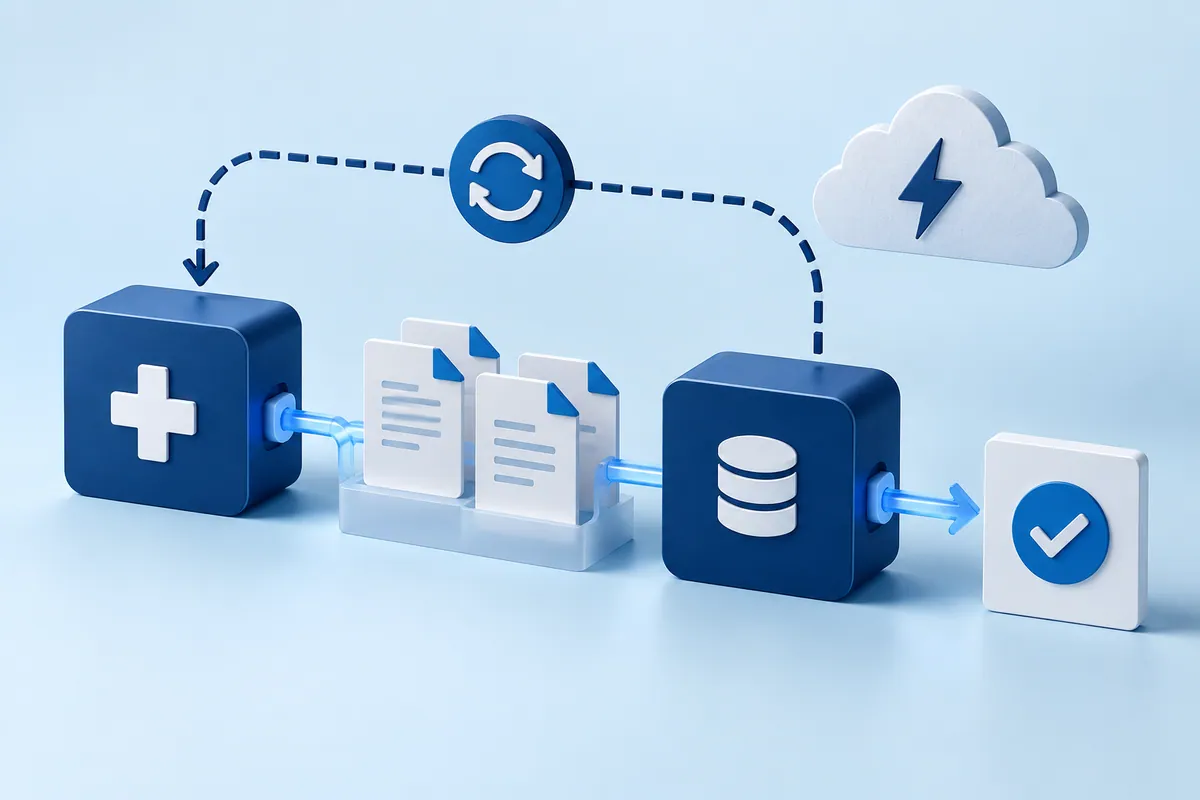
Healthcare integration recovery with queued records, a retry route and a receipt check.
Plan recovery and confirm the receiving result.

What we can deliver

Healthcare System Integrations & Data Services

01

Check whether the systems can connect

Check the connection methods each supplier allows. An API is an interface that lets software exchange information; access, permissions and usage limits vary. Agree which records move, in which direction and which system holds the record staff should rely on.

02

Connected workflows

Match each piece of information to the right place in the receiving system, check for duplicates and make failures visible. Document how staff check that a record arrived and what to do if it did not.

03

Data migration

List the information to move, agree where it belongs in the new system and test a sample first. Plan how to check for missing or changed records, when to switch over and how to return to the previous setup if the move fails.

04

Reporting & dashboards

Bring the agreed business figures into a report or dashboard. Explain what each number counts, how often it updates, who can see it and what the data cannot tell you.

An example brief

Enquiries have to be copied into another system.

A customer relationship management system, or CRM, keeps track of contacts and follow-ups. Where both tools support it, a website enquiry can create the correct CRM record and show staff what needs doing next.

Sometimes an existing supplier connection or a checked file export is enough. The first review compares those options with a custom connection.

A clear agreement

Know what is included.

We check what each supplier permits before promising a connection. Extra subscription costs, restricted access, incomplete records or supplier terms may limit the options. The proposal names the systems, information to be shared, checks, ongoing responsibilities and separate costs.

Discuss your requirements

Let’s make it happen

Let’s talk about your next project.

Send the names of the systems involved and describe the information your team currently copies between them. Explain which system should hold the final record. Do not send passwords or patient records.

Start a conversation

Useful to know

Your questions, answered.

It depends on the connection methods and access each supplier allows. We check those first and explain the limits, costs and alternatives before agreeing to build anything.

We can plan a move after checking the old and new systems, what information is involved, how sensitive it is and its condition. First test a sample and agree how to check the records. Then plan the switch, staff responsibilities and recovery steps if it fails.

Plan your project

Useful integrations & data resources

Browse all integrations & data resources