Live chat can give visitors a convenient way to ask practical questions while using your clinic website. It also creates a conversation that someone must own. Before adding a chat button, decide which problem it will solve and whether your team can support the promised service.
This guide helps you prepare a small operating brief for administrative enquiries. It does not cover clinical assessment, treatment advice or urgent-care decisions.
Start with the question people cannot answer
Ask reception which website questions recur, using anonymous examples. Are visitors unsure where to park, which branch offers a service or how to request an appointment? Check whether the answer is missing or hard to find. Updating the relevant page may solve the problem without another contact channel.
Government Digital Service guidance recommends checking user needs before choosing chat, including whether better content, navigation or search would be more effective. Its principles are useful for this decision; they are not a set of clinic-specific operating rules.
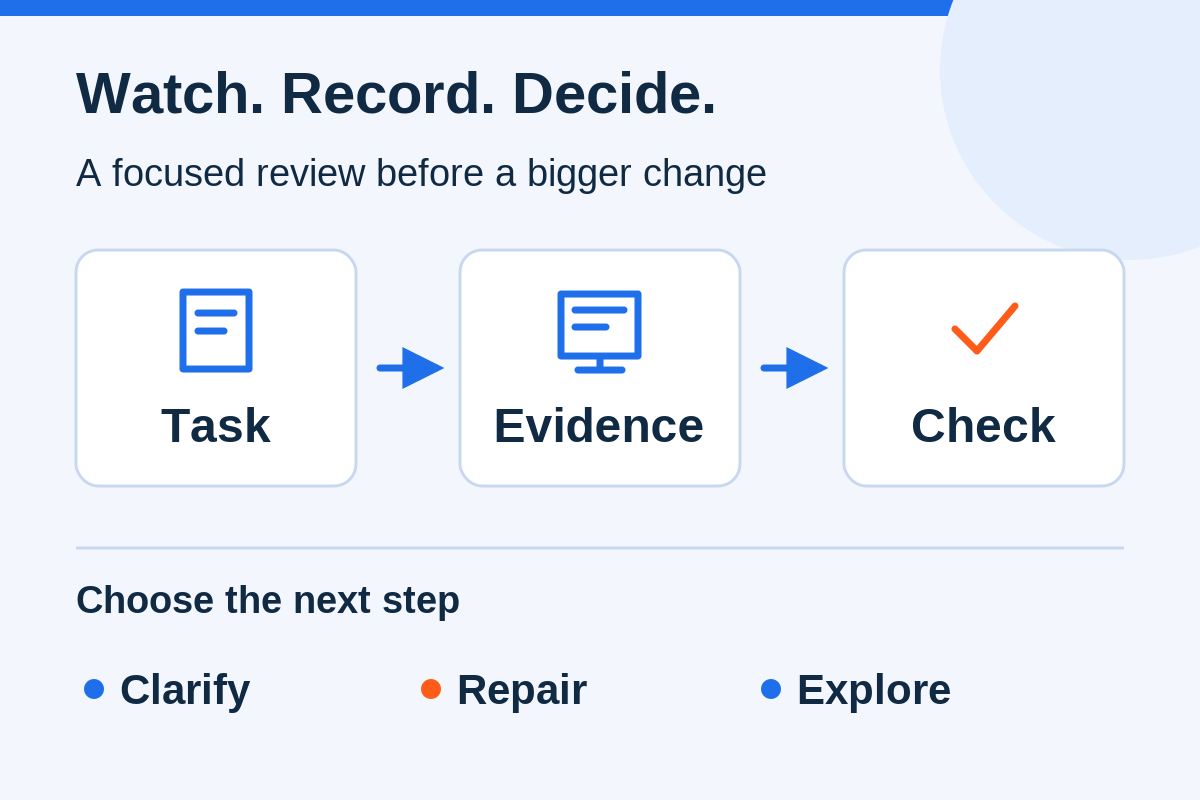
Keep one clear reason for the proposed pilot, such as helping visitors find the correct administrative booking route. More conversations alone would not show that it helped.
Be precise about what you are buying
Live chat means a conversation with a person. A chatbot supplies automated responses. A message box that staff answer later is another arrangement. Similar-looking buttons can hide these differences, so ask the supplier to demonstrate exactly what a visitor sees.
Compare the whole commitment: setup, staff access, training, subscription, support, record handling and any connection to existing tools. Confirm which changes your team can make and what happens if you stop using the service.
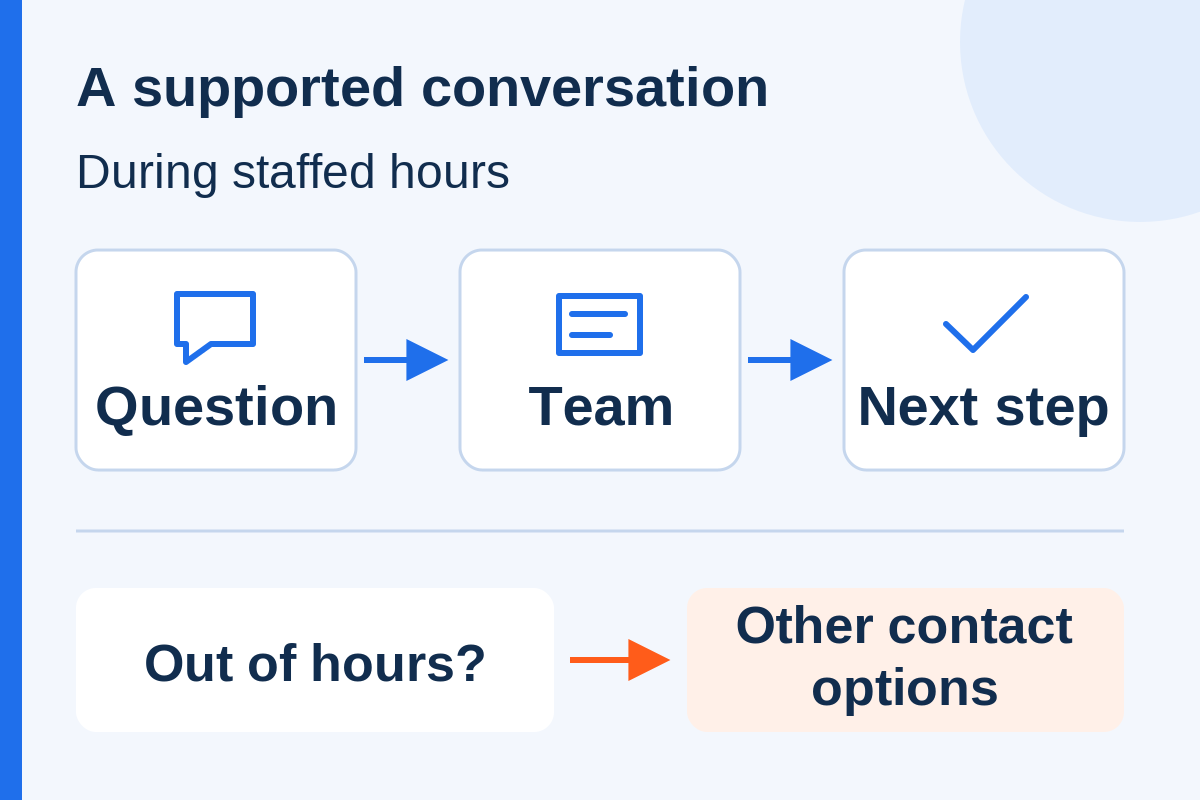
If automation is included, identify it clearly and agree its limits and human handover. Do not describe an unattended message box as immediate help. The same government guidance recommends making the service type clear and keeping alternative contact options available.
Check capacity before promising availability
Name the receiving role, a deputy and the hours they can actually cover. Include time spent reading, replying, checking information and completing follow-up. Consider what happens when that person is helping someone at reception or answering the telephone.
The GOV.UK user-support guide connects channel demand, handling time and staffing. Apply that planning principle using your own evidence. Do not borrow another organisation's response targets and present them as your capacity.
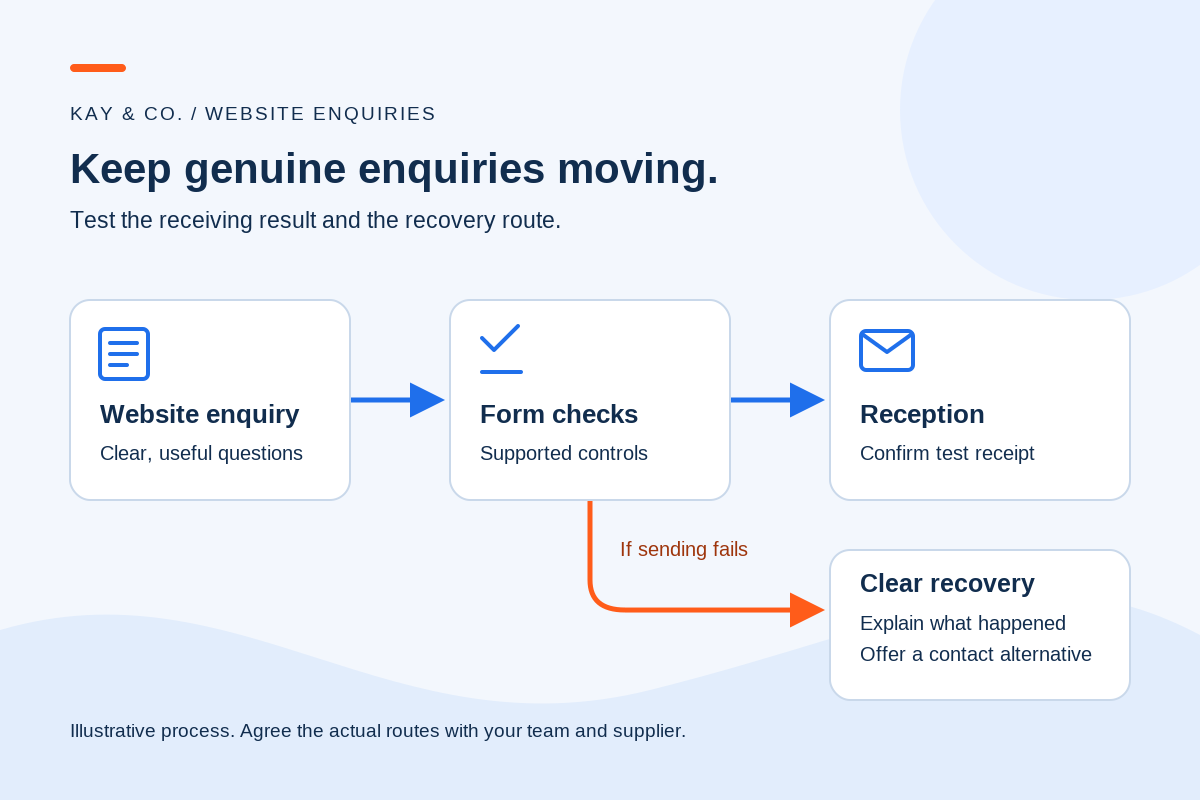
Agree what appears when staff are busy, absent or offline. If the system accepts a message for later attention, state that clearly and explain the practice's agreed next step. Keep contact information reachable without opening the chat panel.
Write a short operating brief with reception
Illustrative example: a fictional two-branch clinic wants to help visitors find the right booking page. Before commissioning a pilot, its manager completes these decisions with reception and the supplier:
- Scope: help with published locations, opening arrangements and administrative contact routes. Questions outside that scope follow the practice's approved process.
- Ownership: name who answers each staffed period and who handles an unfinished conversation when that person leaves.
- Information: identify the approved pages staff use and who updates them when arrangements change.
- Handover: explain whether the next action is a link, a request awaiting review or an appointment already confirmed.
- Records: agree who can access conversations, where necessary follow-up belongs and the retention arrangements with the responsible team.
- Review: choose a date and compare useful resolutions, unfinished requests and staff time with the original problem.
These are planning prompts, not results from a client. Ask the responsible privacy lead to review proposed information collection and sharing. Avoid asking visitors to provide detailed health information simply to answer a practical website question.
Test the awkward moments as well as the greeting
Use fictional details and an authorised test arrangement. Check a routine question, an unavailable adviser, a dropped connection and a handover near closing time. Reception should be able to find outstanding work and explain who owns it.
Try the chat on a phone and with a keyboard. Ask the supplier to demonstrate assistive-technology use too. W3C guidance on status messages explains why waiting, success and error updates need to be available to people using assistive technology.
Check that the panel closes predictably and does not cover booking buttons or form errors. Our guides cover chat-panel obstruction and the wider effect of third-party widgets.
At the review, decide whether to continue, change the arrangement or improve the underlying page instead. If you need help with that wider journey, discuss your website with Kay & Co.