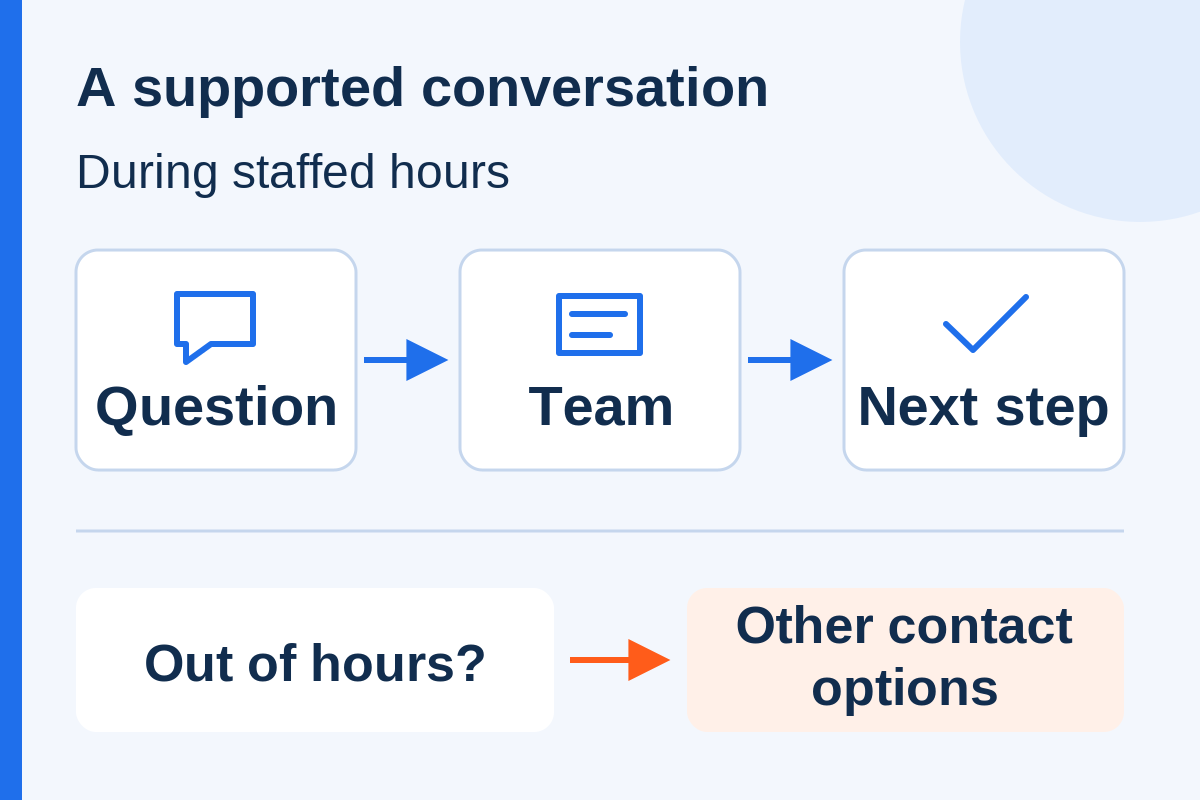
When a clinic inbox fills with irrelevant sales messages or repeated submissions, stronger filtering sounds like an obvious fix. But the useful outcome is less unwanted work while genuine visitors can still contact reception. A quieter inbox alone does not prove that the change worked.
Use this guide to prepare a short supplier brief, agree the trade-offs and test the complete enquiry journey. It concerns administrative website enquiries, not clinical triage or decisions about care.
First establish where the problem occurs
Contact form spam is unwanted content submitted through the website's form. A message sent directly to a published email address follows a different route. Changing the form will not necessarily stop it. Missing legitimate enquiries may instead involve delivery, inbox rules or unclear staff responsibility.
Ask the website supplier and receiving team to trace an agreed fictional test from submission to reception. Record the form address, approximate time, confirmation shown and receiving result. Share only the information needed to investigate through the practice's approved support route.
Separate three findings: unwanted messages arriving, legitimate messages being blocked, and accepted messages not reaching the right person. Our guide to enquiry ownership and delivery covers the last problem.
Ask for options that match the observed problem
Your supplier should explain what each proposed control catches, where it operates and how mistakes are noticed. The W3C accessibility group's work-in-progress analysis of CAPTCHA, a check intended to tell people and computers apart, discusses spam filters, posting-frequency controls and hidden fields as alternatives or complements to interactive challenges.
- Content filtering: checks patterns associated with unwanted messages. Ask how uncertain cases are reviewed rather than assuming every flagged enquiry is spam.
- Submission limits: restrict repeated attempts over a period. Ask how a genuine visitor corrects a mistake or retries after a failed send.
- Hidden-field checks: use a field intended to attract automated submissions. Ask the supplier to check that ordinary visitors and assistive technology do not encounter it.
- A human-verification service: adds a check intended to distinguish people from automated traffic. Ask what happens when that service is unavailable or rejects a genuine visitor.
Agree the smallest supported combination that addresses the evidence. Have the supplier document the configuration, ongoing costs, support responsibility and a way to reverse a problematic change.
Keep the enquiry usable when a check fails
W3C's analysis explains how visual, audio and puzzle challenges can exclude people with different disabilities. An audio option does not solve every access problem.
Ask for a demonstration with a keyboard and relevant assistive technology. Check the phone journey too. A visitor should understand whether the message was sent, whether they can try again and which supported contact route to use if they cannot finish.
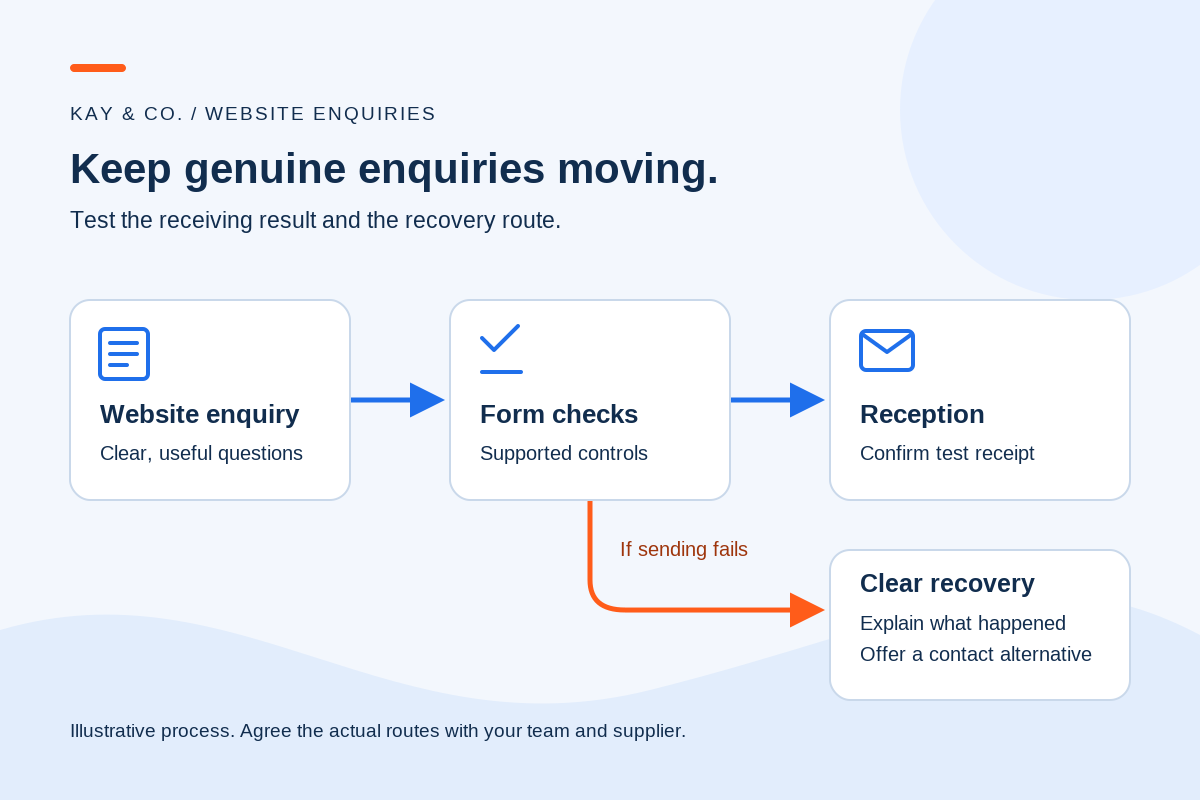
W3C's form notification guidance recommends clear feedback about successful completion and errors, including explanations that help people correct a problem. Use your practice's actual process in the wording. Do not promise a response time the team has not agreed.
Check what any new service receives and why. Keep real patient messages out of demonstrations and diagnostic screenshots. Ask the responsible privacy lead to review proposed data sharing before the tool is introduced.
A fictional supplier brief
Suppose reception reports repeated advertising submissions, while some callers say they could not send an ordinary question. A useful brief could say:
Please identify how unwanted submissions reach our enquiry inbox. Show the proposed controls and how we will recognise a genuine enquiry blocked by mistake. Demonstrate normal sending, correction, repeat attempts and unavailable verification in an agreed test setup. Reception must confirm receipt, and we need a clear contact alternative when sending fails. Please include costs, ownership and a reversal plan.
This is an illustrative starting point, not evidence about a real clinic. Replace the situation with what your team has actually observed. Keep the form's questions focused on the first enquiry; extra personal questions are not a substitute for diagnosing spam.
Agree checks before accepting the change
Use fictional information and supplier-approved test arrangements. Agree how test messages will be labelled and handled so they do not create real bookings or unintended follow-up.
- Normal enquiry: a visitor completes the form on a phone and with a keyboard; reception finds the expected message.
- Correction: an incomplete field produces a useful explanation and a workable return to the form.
- Protection triggered: the supplier demonstrates an agreed unwanted pattern and shows what happened to it.
- Genuine visitor blocked: the team can investigate a reported failure without asking for health information publicly.
- Service unavailable: the page explains the failure and offers the practice's supported alternative.
Record the result, checker and unresolved action for each case. Review unwanted messages alongside legitimate test delivery, reported sending difficulties and staff review time over a comparable period. Lower totals without those checks can hide lost enquiries.
Take one recurring problem and the completed checks to your supplier. If the enquiry journey needs wider attention, discuss your website with Kay & Co. or explore our healthcare website design service.