
What to change
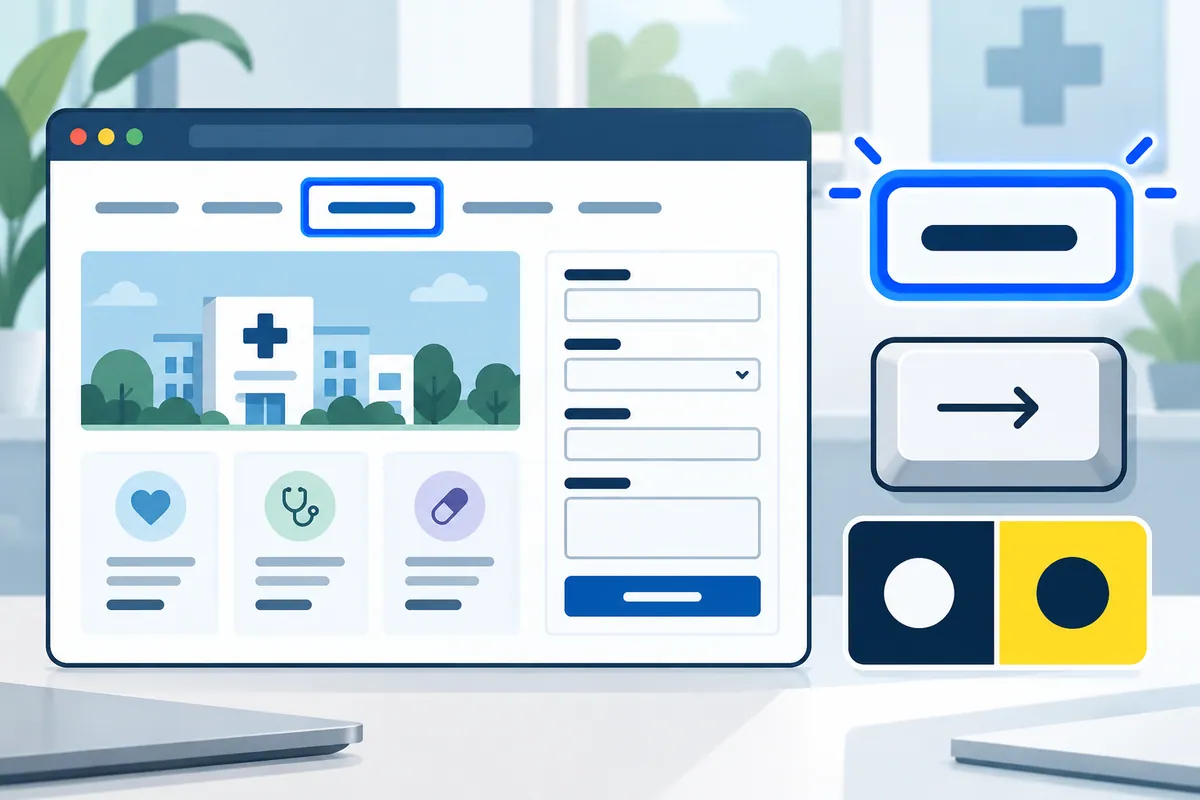
Ask the supplier to distinguish the current page from its broader section using understandable visual and accessible states.
A worked example
Illustrative example
A visitor on a branch detail page can identify that page in the local navigation while still understanding that it belongs to Locations.
How to check the result
Accept when the current destination is correct and recognisable regardless of arrival route, screen size or reliance on colour.
A mistake to avoid
Marking every ancestor as the current page creates contradictory cues even if each one belongs to the same section.
Your action checklist
Use these checks to prepare a discussion with your team or supplier. Tick a check when you have recorded the decision or evidence, rather than when a feature has simply been promised.
Entries stay in this page and are not submitted to Kay & Co. Download your notes before leaving; the page does not save them.
Further reading
These primary sources provide additional context for the project decisions above.
Related decisions
Turn the brief into a working service
Kay & Co. can help you scope the work, design the experience and deliver the right solution for your organisation.
Explore websites & patient experience services or discuss your project.
Try the free Healthcare Digital Planner to find your starting priority.