
What to change
Ask the supplier to make volume changes and mute state clear through visual, keyboard and assistive interaction.
A worked example
Illustrative example
A visitor mutes a clip to read the page, then unmutes and returns to the previous chosen level with an accurate control label.
How to check the result
Accept when users can adjust, silence and restore audio deliberately and the controls accurately represent the resulting sound state.
A mistake to avoid
Changing the icon to a crossed speaker without updating its accessible name can leave the announced action opposite to the actual state.
Your action checklist
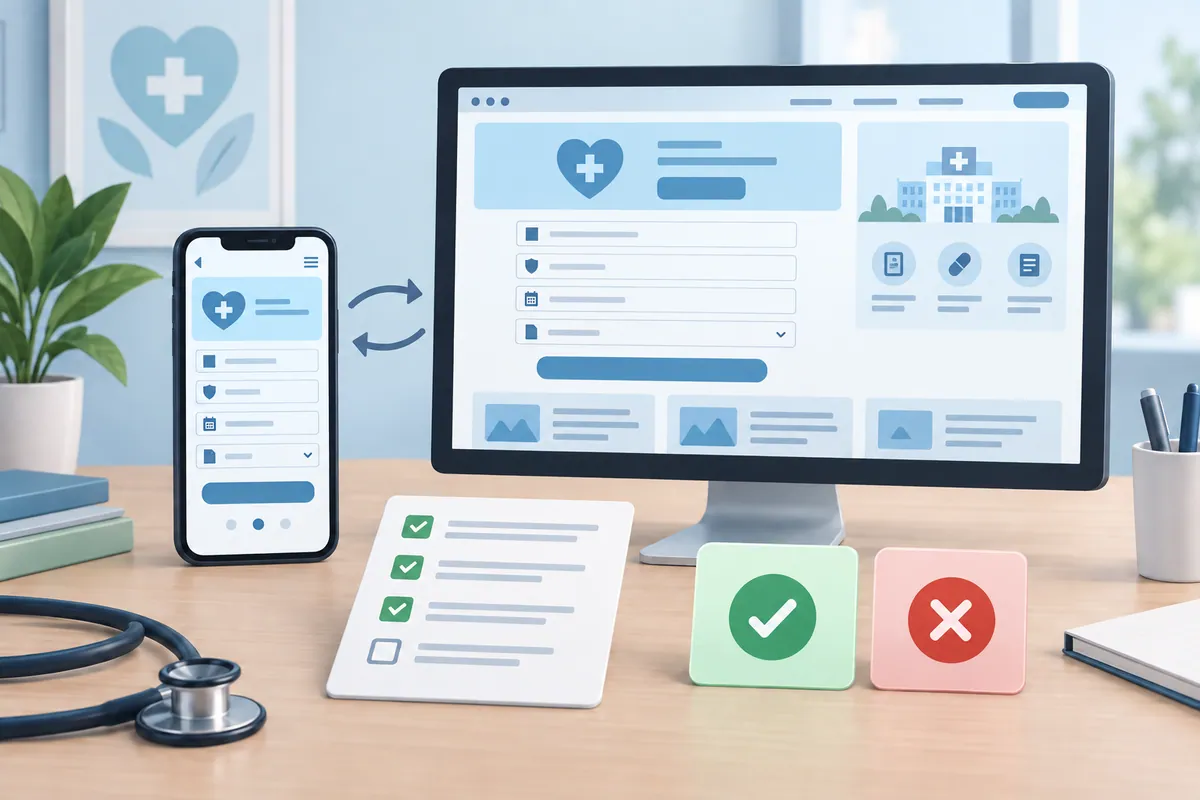
Use these checks to prepare a discussion with your team or supplier. Tick a check when you have recorded the decision or evidence, rather than when a feature has simply been promised.
Entries stay in this page and are not submitted to Kay & Co. Download your notes before leaving; the page does not save them.

Further reading
These primary sources provide additional context for the project decisions above.
Related decisions
Turn the brief into a working service
Kay & Co. can help you scope the work, design the experience and deliver the right solution for your organisation.
Explore websites & patient experience services or discuss your project.
Try the free Healthcare Digital Planner to find your starting priority.